Absolute Uncertainty: How to Find the ± That Belongs With Every Measurement
You're at the bench, the metre ruler reads 12.4 cm, and the lab sheet asks for the uncertainty. That blank is where most of the calculation of uncertainty in physics actually happens — not in some later formula, but right here, deciding what number goes after the ±. The absolute uncertainty is that number: the margin of error carried in the very same units as the reading, so 12.4 cm becomes 12.4 ± 0.05 cm. Get this first step right and everything downstream — percentages, propagation, error bars — just follows. Get it wrong and the prettiest spreadsheet in the class is built on sand.
Absolute Uncertainty Is the ± You Read Off the Tool
Strip away the jargon and absolute uncertainty is just the size of the doubt around a measurement, written in the measurement's own units. A length gets a ± in centimetres, a mass gets a ± in grams, a time gets a ± in seconds. That's the whole idea. It's deliberately different from a percentage — the calculator above shows the percentage too, but the headline figure stays in your units because that's the form you actually write in the results column. A balance reading 4.62 ± 0.01 g tells you, at a glance, that the real mass sits somewhere between 4.61 g and 4.63 g. No mental arithmetic, no conversion. The ± draws a window, and the true value lives inside it.
Four Rules for Reading the ± Off an Instrument
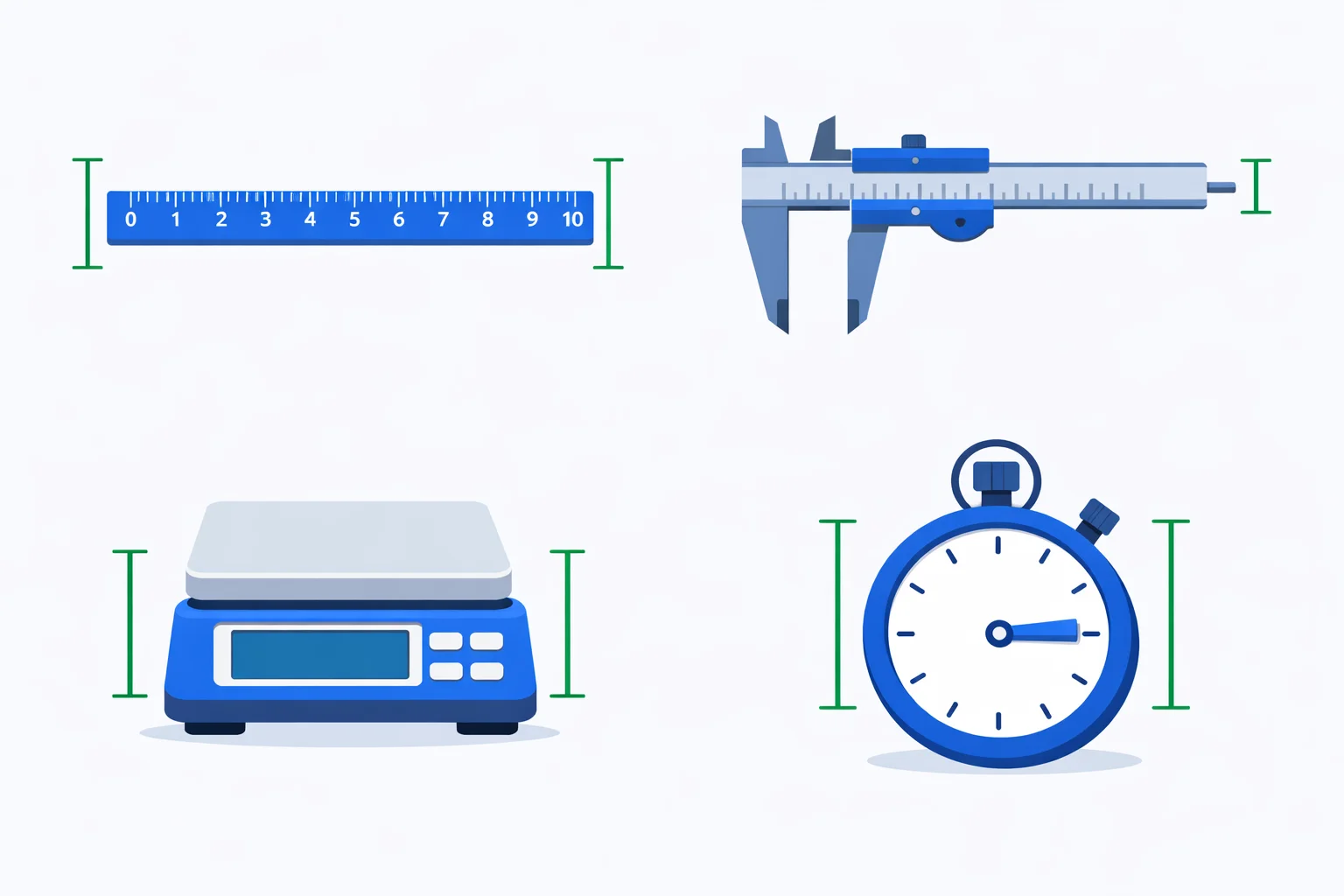
Here's the part competitors skip: where does that ± number come from in the first place? It depends entirely on the instrument, and there are really only four rules to learn. Each one is a default you can defend to an examiner, not a guess.
| Instrument | Rule for δ | Example |
|---|---|---|
| Analogue scale (ruler, protractor) | Half the smallest division | 1 mm marks → ±0.5 mm |
| Digital readout (balance, multimeter) | ±1 in the last displayed digit | 4.62 g → ±0.01 g |
| Vernier / micrometer | The printed resolution | calipers → ±0.02 mm |
| Manual stopwatch | Reaction time ÷ events timed | ±0.2 s over 10 swings → ±0.02 s |
The analogue rule trips people up most often. "Half the smallest division" is the standard for a single reading, but measuring a length needs two readings — you line up a zero at one end and read a value at the other. Some courses double the uncertainty to ±1 mm to honour both judgements; check what your mark scheme expects. The digital rule is a useful simplification: a display showing 4.62 g could be rounding anything from 4.615 g to 4.625 g, so the strictly honest figure is ±0.005 g, but ±0.01 g (one in the last digit) is the convention nearly every physics course accepts.
Worked Example: A Pendulum Period, Timed by Hand
A favourite practical: find the period of a pendulum with a stopwatch. Time one swing and you hit a wall — your reaction time at both the start and stop swamps the reading. A single swing of about 2 s timed by hand carries roughly ±0.2 s, which is a brutal 10%. The fix isn't a fancier clock; it's timing more swings. Time ten complete swings and you get, say, 24.3 s. The reaction-time uncertainty is still ±0.2 s on that total — but now you divide everything by ten.
The period is 24.3 ÷ 10 = 2.43 s, and the absolute uncertainty is 0.2 ÷ 10 = 0.02 s. So you report T = 2.43 ± 0.02 s, an uncertainty of about 0.8% instead of 10%. Same stopwatch, same shaky thumbs, twelve times better precision — purely because the fixed ±0.2 s got spread across ten swings. Switch the calculator above to its timing rule and you'll watch the ± shrink as you raise the number of swings. If you also repeat the whole ten-swing run a few times, feed those period values into the standard deviation calculator to get the standard error on your mean — the statistically sounder absolute uncertainty.
Adding and Subtracting: The ± Values Stack Up
Absolute uncertainty has one rule that relative uncertainty can't match: when you add or subtract measurements, you just add the ± figures. No conversion, no squaring — the errors stack directly because they share units. Suppose you find a thin coin's thickness by measuring a stack of paper plus the coin at 50.8 ± 0.1 mm, then the paper alone at 50.2 ± 0.1 mm. The thickness is 50.8 − 50.2 = 0.6 mm, and the uncertainty is 0.1 + 0.1 = 0.2 mm. So the coin is 0.6 ± 0.2 mm.
Look hard at that result. Each reading was good to better than 0.2%, yet the answer carries a 33% uncertainty. Nothing went wrong with the measuring — the trouble is that subtracting two near-equal numbers keeps the full ± while shrinking the result to almost nothing. This is the single biggest reason to be wary of differences. When you can, measure the small thing directly (stack 50 coins and divide). To express that final ± as the percentage your report wants, hand it to the percent uncertainty calculator. And once products and quotients enter the picture — where absolute errors can't be added directly — the uncertainty calculator switches you over to the relative-error rules automatically.
Typical Absolute Uncertainties for Lab Instruments
Reach for these as sensible defaults when an instrument doesn't state its own tolerance. They're the figures most school and first-year university labs accept, and they show how dramatically precision varies between tools that all measure the same kind of quantity.
| Instrument | Measures | Typical absolute uncertainty |
|---|---|---|
| Metre ruler | Length | ±0.5 mm (±1 mm over two ends) |
| Vernier calipers | Length | ±0.02 mm |
| Micrometer screw gauge | Length | ±0.005 mm |
| Electronic balance (2 dp) | Mass | ±0.01 g |
| Liquid-in-glass thermometer | Temperature | ±0.5 °C |
| 25 mL measuring cylinder | Volume | ±0.5 mL |
| Hand-operated stopwatch | Time | ±0.2 s (reaction-limited) |
The length rows tell a story on their own. A metre ruler, calipers, and a micrometer all measure length, yet their absolute uncertainties span a factor of a hundred — ±0.5 mm down to ±0.005 mm. Choosing the right tool for the size of thing you're measuring matters more than measuring carefully with the wrong one.
Match the Value's Last Digit to the ±
Once you have the absolute uncertainty, it dictates how you round the value — not the other way round. The rule: quote the uncertainty to one significant figure, then round the measured value so its last digit sits in the same decimal place. If your propagation gives a period of 2.4267 s ± 0.0312 s, you round the uncertainty to ±0.03 s and the value to 2.43 s, giving 2.43 ± 0.03 s. Writing 2.4267 ± 0.03 s is self-contradictory — you're claiming the ten-thousandths digit is meaningful while admitting you're unsure about the hundredths. The significant figures calculator is handy for getting that final rounding right when the numbers are awkward.
When Absolute Uncertainty Misleads You
Absolute uncertainty is the right tool for adding, subtracting, and writing down a single result — but it lies the moment you try to compare the quality of two different measurements. A ±1 cm uncertainty sounds identical in both cases, yet on a 3 cm bolt it's a hopeless 33%, while on a 300 m athletics track it's a superb 0.0003%. The units hide the truth. Whenever the question is "which measurement is more precise?" or "how do these errors combine through a multiplication or division?", absolute uncertainty has to step aside for relative uncertainty or percent uncertainty, which strips out the units so the comparison is fair. Absolute is for recording and for sums; relative is for comparing and for products.
Mistakes That Quietly Cost Lab Marks
- Trusting a digital display as exact. A stopwatch reads to 0.01 s, but your reaction time makes a hand-timed value good only to about ±0.2 s. Quote the honest, larger figure, not the one the screen shows.
- Subtracting the ± values when you subtract the readings. The values subtract; the uncertainties always add. 50.8 ± 0.1 minus 50.2 ± 0.1 is 0.6 ± 0.2, never 0.6 ± 0.0.
- Forgetting to divide the timing error by the number of swings. Timing ten swings only helps if you divide both the total time and its ±0.2 s by ten.
- Over-quoting the uncertainty. ±0.0312 s should be rounded to ±0.03 s. One significant figure is almost always enough for an estimate of doubt.
- Comparing absolute uncertainties across unlike quantities.±0.1 g and ±0.1 s aren't comparable; convert both to percentages before you decide which measurement is the weak link.
For the formal definitions behind all of this — how professional metrology labs classify and report uncertainty — the NIST reference on measurement uncertainty is the authoritative source, and it's where the conventions in this guide ultimately come from.