Significant Figures Calculator: The Counting and Rounding Rules That Trip Students Up
Ask ten students to add 12.11 and 1.2 and you'll get the right arithmetic every time — 13.31. Ask them to write it down to the correct number of significant figures and half of them will hand back 13.3 and half will keep 13.31, convinced the extra digit is free. This significant figures calculator settles that argument and three others like it, but the rules behind it are worth understanding, because a sig fig mistake is the most common way a physically correct answer still loses marks. The whole topic comes down to one idea: a measured number is only allowed to advertise as much precision as the instrument that produced it actually had.
Why 0.005 Has One Sig Fig but 0.500 Has Three
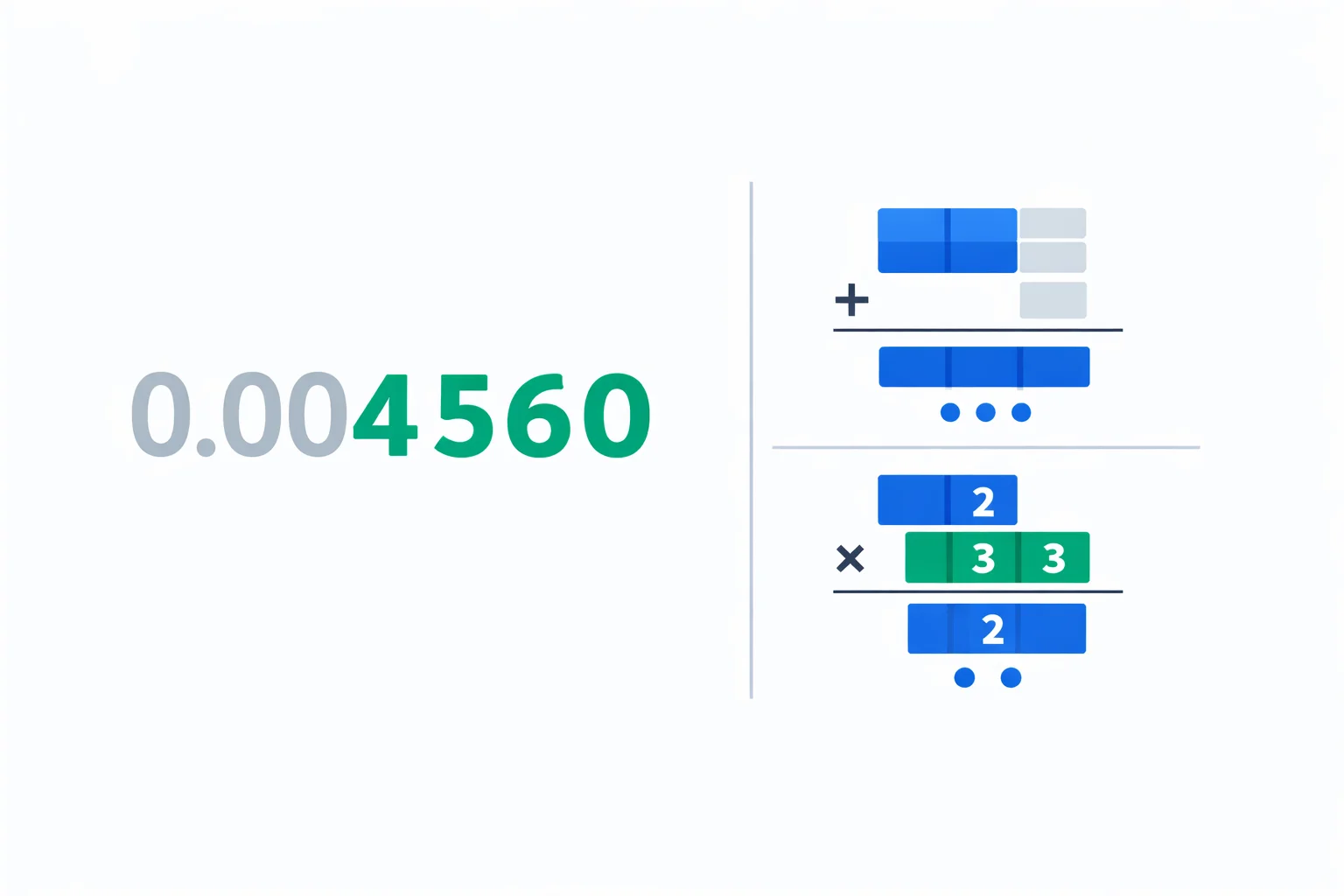
Non-zero digits are never the problem — 1 through 9 always count. Zeros are where every mistake lives, because a zero plays two completely different jobs depending on where it sits. In 0.005 the three zeros are just placeholders holding the 5 in the thousandths column; strip the decimal point away and you'd still need them to say "five thousandths," so they carry no information about precision and don't count. That number has one significant figure. Now look at 0.500: those two trailing zeros aren't holding anything in place — you could delete them and still have 0.5 — so the only reason to write them is to claim you measured to the thousandths place. They count, giving three significant figures. Same digit, opposite meaning, decided entirely by position relative to the first non-zero digit.
The Counting Rules, With the Traps Marked
Four rules cover every case you'll meet. The table below pairs each with a number that catches people out — feed any of them into the Count mode above and watch which digits light up green.
| Rule | Example | Sig figs |
|---|---|---|
| All non-zero digits count | 38.27 | 4 |
| Zeros between non-zeros count | 7.0805 | 5 |
| Leading zeros never count | 0.00250 | 3 |
| Trailing zeros count only with a decimal point | 4500 vs 4500. | 2 vs 4 |
| Exact / counted numbers have infinite sig figs | 12 eggs, 100 cm/m | ∞ |
That fourth row is the genuine villain. A bare 4500 is ambiguous — it could be two, three, or four sig figs, and there's no way to tell from the number alone. The honest fix is scientific notation, which is why physicists reach for it the moment trailing zeros get involved. The fifth row matters too: when you convert units, the conversion factor is exact, so it can never be the thing that limits your answer's precision.
Addition Counts Decimals, Multiplication Counts Digits
Here's the split that wrecks more answers than any counting rule: arithmetic uses two differentrounding rules, and they don't look at the same thing. Adding or subtracting? Line the numbers up by their decimal point and keep the fewest decimal places. Multiplying or dividing? Keep the fewest significant figures. Mixing these up is the classic error, and the comparison below is worth memorising cold.
| Add / Subtract | Multiply / Divide | |
|---|---|---|
| You count | decimal places | significant figures |
| Answer matches | fewest decimal places | fewest sig figs |
| Example | 12.11 + 1.2 = 13.3 | 4.56 × 1.4 = 6.4 |
| Limited by | 1.2 (one decimal) | 1.4 (two sig figs) |
| Why | column precision can't exceed the loosest term | relative precision can't exceed the weakest factor |
Switch the calculator above to Calculatemode and try both rows — it tells you which value set the limit and which rule applied. Notice that in 12.11 + 1.2 the answer 13.3 actually has three sig figs even though one input (1.2) had only two: addition doesn't care about sig fig counts at all, only the decimal column where precision runs out.
Worked Example: A Two-Step Density Calculation
Real lab problems chain the two rules together, and that's where the rounding gets subtle. Suppose you find a metal cylinder's mass by difference: a beaker plus cylinder reads 84.65 g, the empty beaker reads 71.5 g. Then you measure the volume as 4.80 cm³ and want the density. Step one is a subtraction: 84.65 − 71.5 = 13.15 g, but 71.5 has only one decimal place, so the mass is good to one decimal — 13.2 g, three sig figs.
Step two divides that by the volume: 13.2 g ÷ 4.80 cm³ = 2.75 g/cm³. Now the multiplication/division rule takes over. The mass has three sig figs, the volume has three, so the density keeps three: 2.75 g/cm³. The trap here is intermediate rounding — if you'd rounded the mass too early to 13 g (two sig figs) you'd have dragged the final answer down to 2.7 g/cm³ and lost a real digit. Carry one guard digit through the middle and only round at the end. You can sanity-check the divide step in the density calculator, then attach the measurement spread with the uncertainty calculator to see how sig figs and the ± line up.
Scientific Notation Ends Every Argument
Every ambiguity in this entire topic disappears the moment you write a number as a mantissa times a power of ten. In a × 10ⁿ, only the mantissa carries sig figs — the power of ten is pure placeholding. So 4500 with two sig figs is 4.5 × 10³, with three it's 4.50 × 10³, and with four it's 4.500 × 10³. There's no guessing left. This is exactly how Avogadro's number is written as 6.022 × 10²³ (four sig figs) rather than a 24-digit integer that would imply impossible precision. Whenever you're unsure whether a zero counts, rewrite the number in scientific notation and the answer becomes obvious — the Count mode above shows the scientific form for exactly this reason.
Sig Figs vs Decimal Places vs Precision
These three get blurred together constantly, and the confusion costs marks. Decimal places count digits after the point; significant figures count meaningful digits anywhere; and precision is the real-world idea both are trying to express. The measurement 0.000007 m has six decimal places but a single significant figure — it's a crude measurement dressed up in a long-looking number. Compare it to 7.00 m, which has just two decimal places but three sig figs and is genuinely the more precise statement. When a result will carry an uncertainty, sig figs even take a back seat: you round the value to wherever the uncertainty's first digit lands, which you can work out with the percent uncertainty calculator. Significant figures are the quick everyday proxy; a stated ± is the rigorous version.
When Significant Figures Quietly Mislead You
Sig figs are a rule of thumb, not physics, and they have blind spots worth knowing. They can't tell the difference between a value sitting near a power of ten and one sitting well inside its range — 9.9 and 1.1 both show two sig figs, yet a ±0.1 wobble is about 1% of 9.9 but nearly 10% of 1.1. The actual relative precision differs by a factor of nine while the sig fig count says they're identical. Sig figs also break down badly when you subtract two close numbers: 5.00 − 4.98 = 0.02 keeps three sig figs in each input but the answer has only one, and its true uncertainty is far worse than that single digit suggests. For anything where the error really matters — final lab results, error bars on a graph — drop the sig fig shortcut and propagate the uncertainty properly with the error propagation calculator. The convention itself is just shorthand for the precision ideas laid out in the NIST guide to measurement uncertainty.
Sig Fig Mistakes That Cost Exam Marks
- Rounding in the middle of a calculation.Round only the final answer. Trim too early and the error compounds — that's how 2.75 quietly becomes 2.7.
- Using the multiplication rule when you add. Sums and differences count decimal places, not sig figs. 100.0 + 1.111 = 101.1, not 101.111.
- Counting an exact number's sig figs. A factor of 2, π, or a unit conversion has infinite sig figs and never limits the answer. Only measurements do.
- Dropping trailing zeros after the decimal. Writing 2.5 when you measured 2.50 throws away a real digit and understates your precision by a full factor of ten.
- Trusting sig figs near a power of ten. 1.0 and 9.9 both show two sig figs but their relative precision differs by almost ten times — switch to an explicit uncertainty when that gap matters.